Prerequisites:
- You have administrator rights
- You have installed Google Analytics in the Marketplace
- Navigate to Project Settings > Apps > Google Analytics > Getting started.
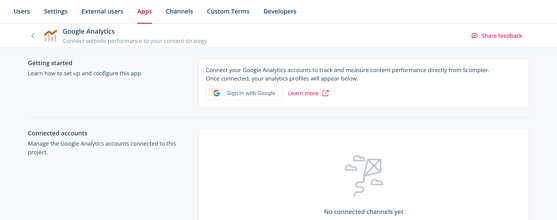
- Click Sign in with Google.
-
Select the account you want to connect.
-
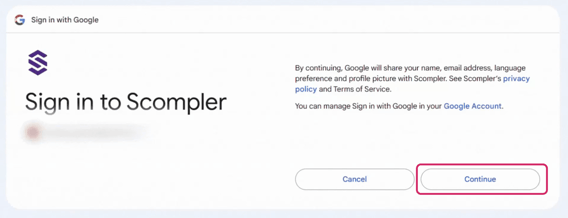
Click Continue.
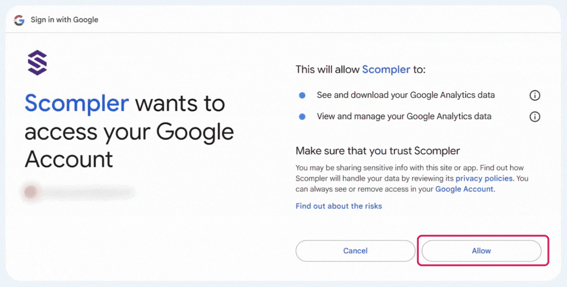
- Click Allow.
- Select the pages which you want to connect to Scompler.
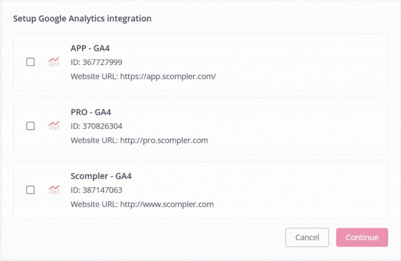
You can only select pages that are connected to Google Analytics and have been created as GA4 properties.
-
Click Continue.
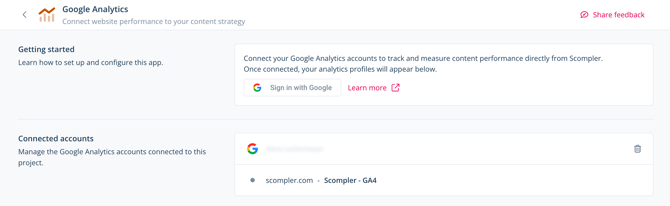
You have connected Google Analytics to one or more pages in Scompler and can now view performance data for individual pages in Scompler. The connected pages are displayed under Connected Accounts.