Customize story status to your needs
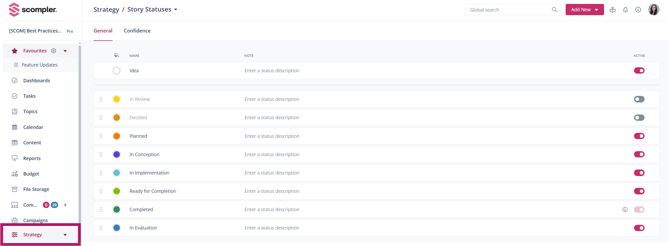
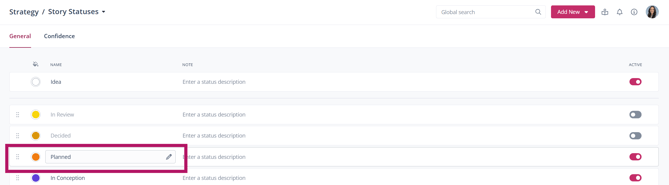
As a Scompler PRO customer, you can modify the status phases of your stories to fit your requirements. You can rename specific phases or deactivate those that are not necessary for your workflow. To do this, navigate to the Story Status section in the left-hand menu under Strategy. Here, you will find a list of available story status phases.
To deactivate a phase, simply click on the toggle.
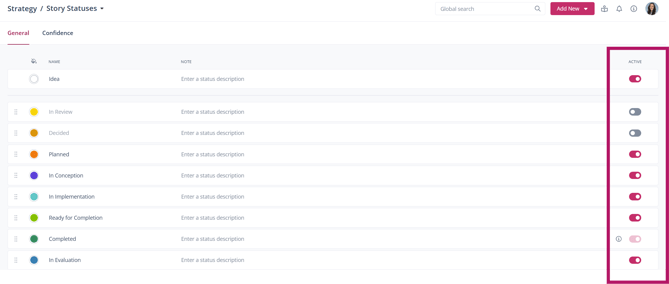
If you want to change the name of a status, hover your mouse over the status name, and a pencil icon will appear. You can click on it to edit the name. Additionally, in the Notes column, you can add comments related to the status name.
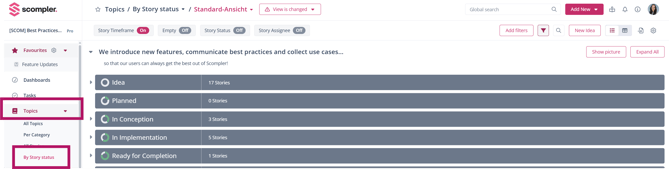
All changes you make will take effect immediately. To review or adjust your modifications, go to Topic Plan and select By Story Status. This will help you determine if the updated phases align with your workflow, and you can make further adjustments if necessary.