You can precisely decide for which events you would like to receive notifications via email, in-app, or—if you have a PRO license—via Microsoft Teams notifications.

Adjusting notification settings
To adjust your settings, open your profile and select the “Notifications” option.
In the pop-up window, you can define for many events in Scompler whether you want to be notified and through which channel. Depending on your license version, different options may be available.
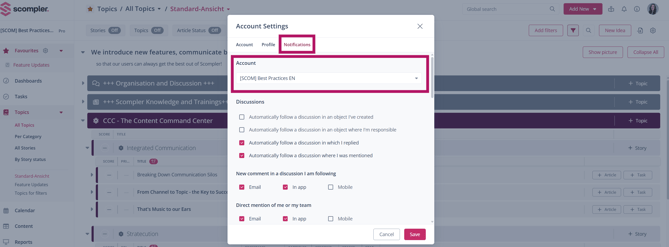
If you are a user in multiple projects, you will find a dropdown menu above the selection that allows you to choose and configure the notification settings separately for each of your projects.