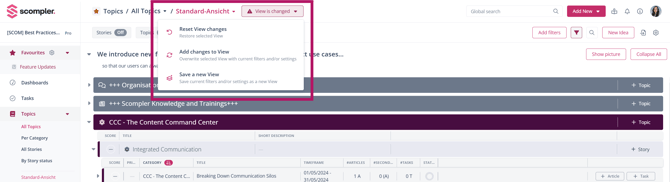
This article describes the previous version of the Topic Architecture. The new Topic Architecture is available as a beta and can be activated at any time: it is faster, more organized, and brings all previous 4 levels together in one view. Learn more about the new Topic Architecture.
The column headers on story level and post level allow you to sort by properties such as name, time period, status, number of posts, and more.
The active sorting criterion is indicated by an arrow next to the column name. Clicking the column header again changes the sort order (ascending or descending).
Sorting on story level
To sort by a specific column, simply click on the corresponding column header. An arrow indicates that sorting for this column is active. In the example below, stories are sorted by name (descending).
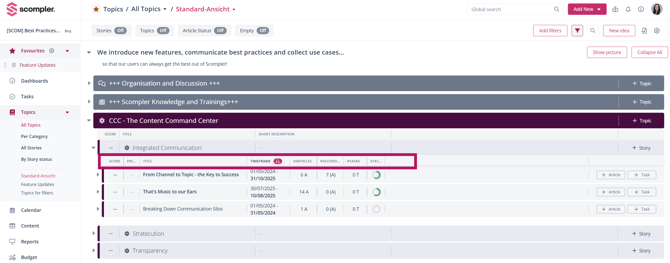
Clicking the Name column header again sorts the entries in ascending order.
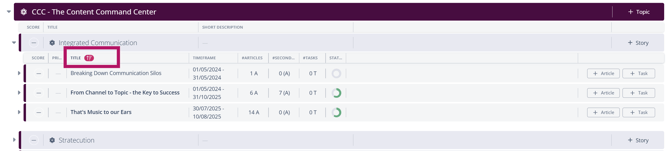
Sorting by time period allows you, for example, to display stories that are scheduled for the near future.

Sorting on article level
The same functionality is also available on article level. You can rearrange posts by clicking on the corresponding column header.
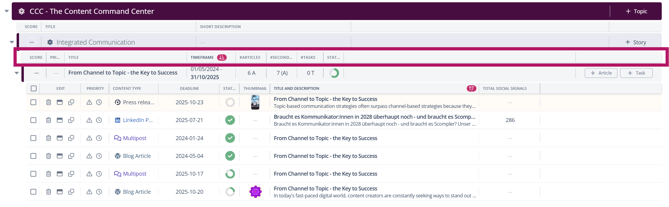
Adding new columns
To add additional columns for sorting stories and posts, click Settings → Advanced Settings in the top-right corner of the topic structure.
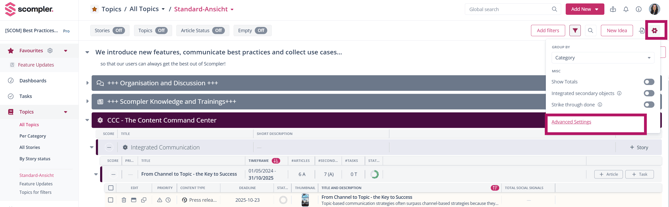
Select Story columns or article columns in the pop-up window. On the right side, you will see all available options and on the left side, you will see the options that are already active.
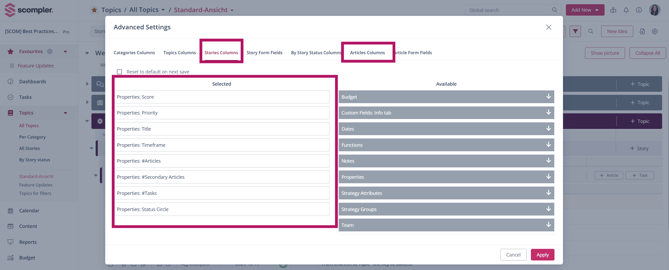
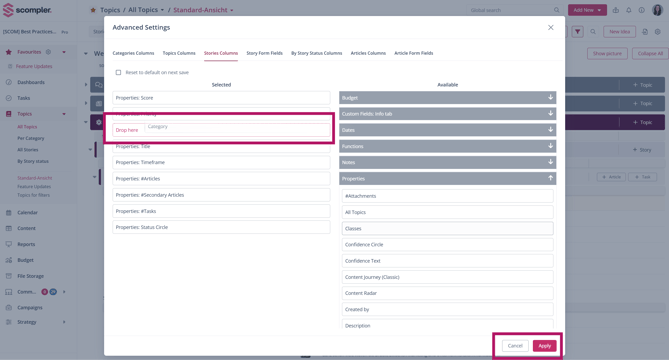
To add a new attribute, select the desired category in the right column, add the attribute via double-click or drag & drop. After selecting all desired attributes, click Apply and click Close to save your changes.
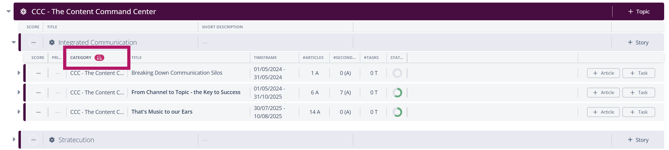
You can now sort stories and posts using the newly added columns by clicking on the corresponding column header.
Tip: Don’t forget to save your customized view otherwise, your selected columns will not be retained the next time you open the page.