Statuses in the topic card
You can access the pre-defined Statuses for a Topic, from the top right status drop-down option in the topic card:
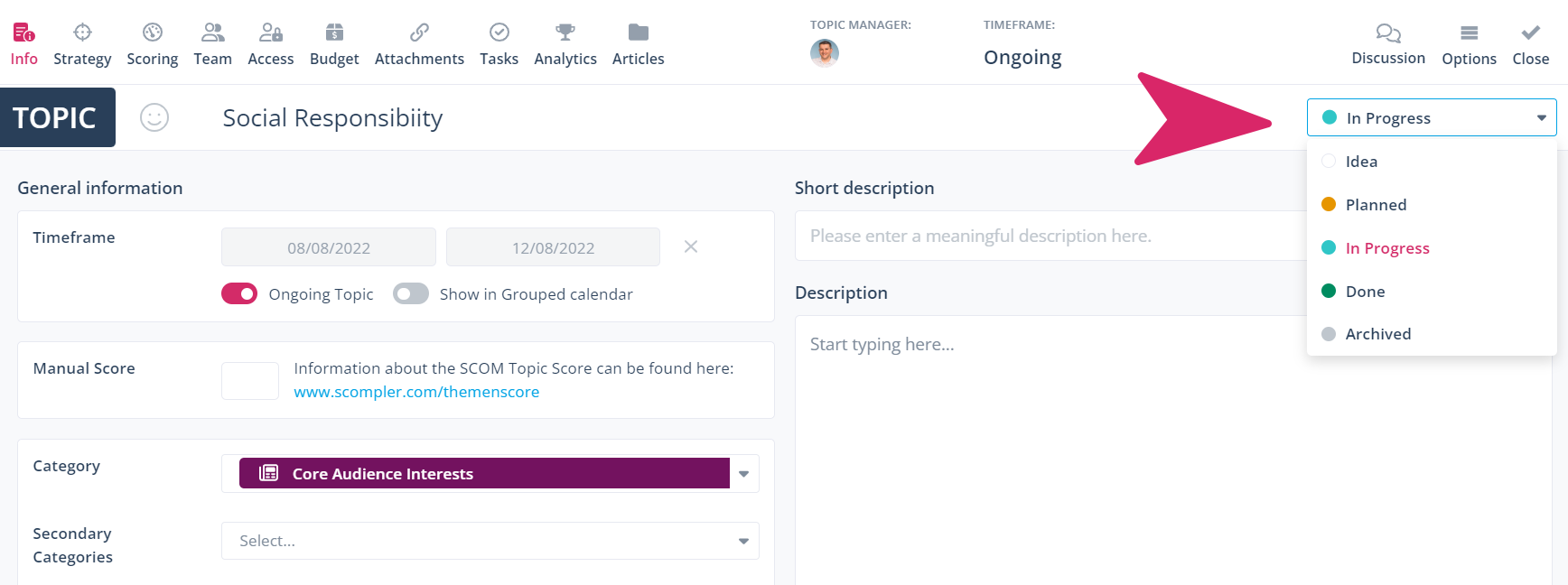
The list of pre-defined Statuses available for selection includes:
- Idea
- Planned
- In Progress
- Done
- Archived
Statuses in the story card
Similarly, the pre-defined statuses for a Story are available for selection from the top right status drop-down option in the story card:
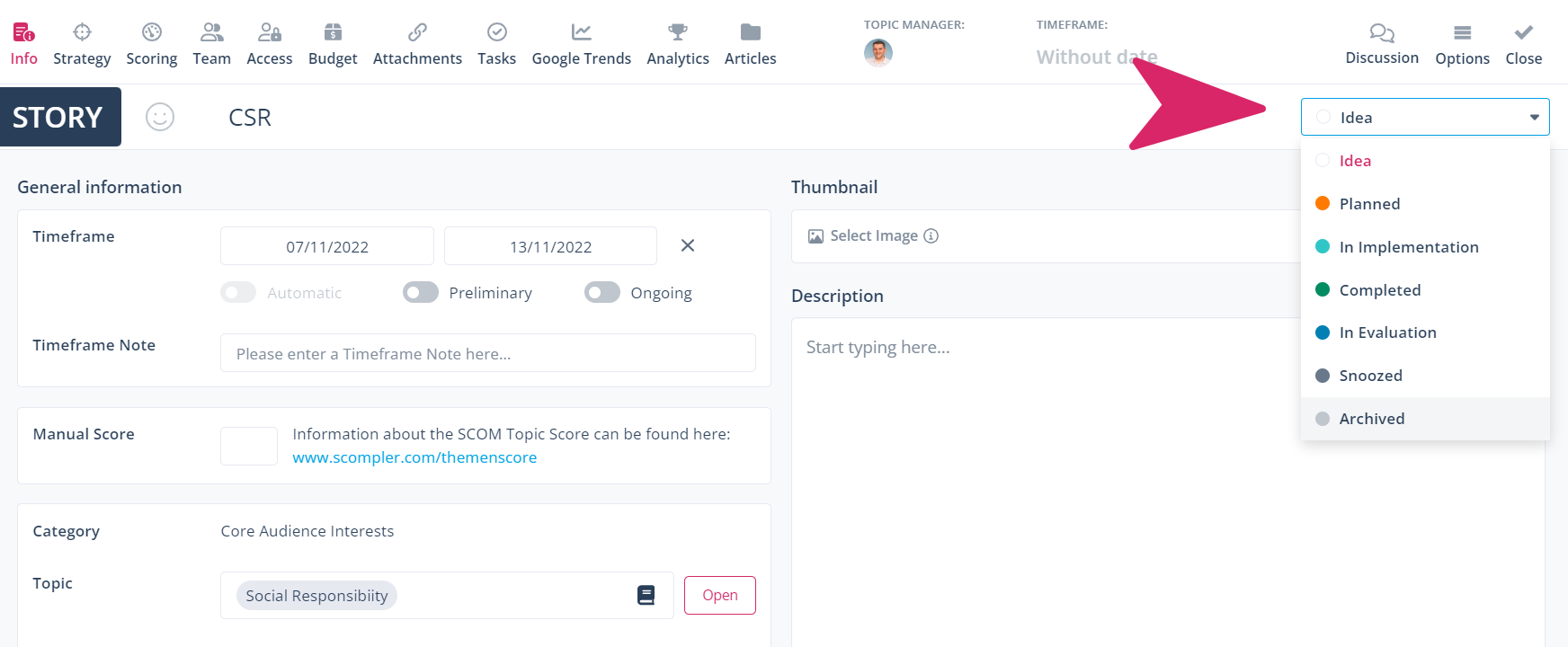
The list of pre-defined Statuses available for selection includes:
- Idea
- Feasibility-Check
- Decided
- Upcoming
- In Conception
- In Implementation
- Ready for Completion
- Completed
- In Evaluation
- Archived
Status Indicator
The statuses of topics and stories are represented by a status-circle, so you can see the current status of a topic or story at a glance:
Topic view
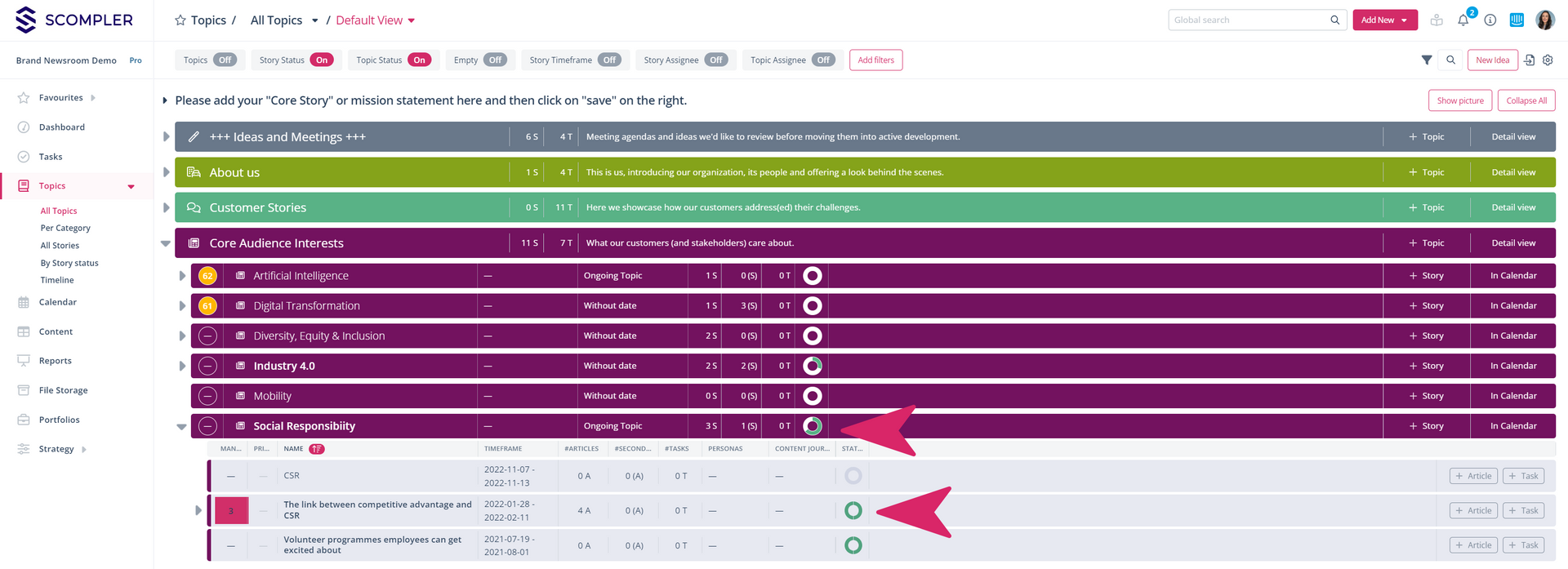
Calendar view
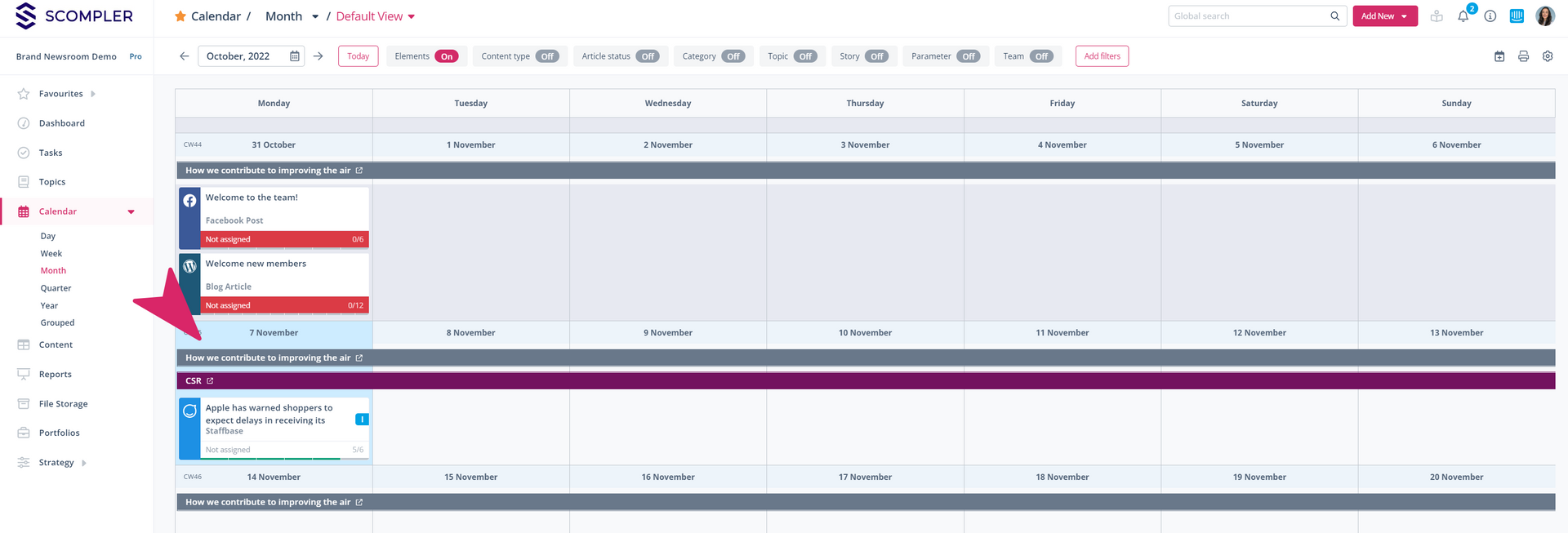
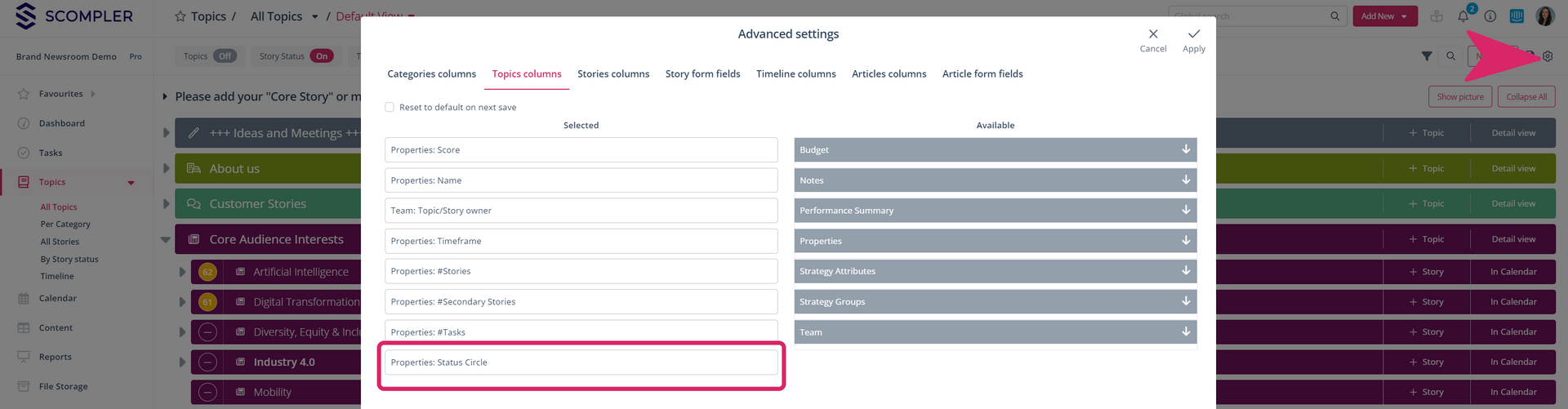
Tipp: In order to see the status (circle or text form) of your topics and stories in the topic view, you need to have to activate them as a column in the settings:
You can adjust the status of the stories in the strategy section.