![scompler-logo-white@2x.png]](https://kb.scompler.com/hs-fs/hubfs/scompler-logo-white@2x.png?height=40&name=scompler-logo-white@2x.png)
Scompler version: Pro
The Scompler calendar allows users to access calendar entries from other applications. For example, you can display the publication dates entered in the Scompler calendar within Outlook, which helps you keep track of upcoming content production and distribution directly in your primary application.
In the calendar view, click Export > Subscribe via iCal:

Copy the provided link.
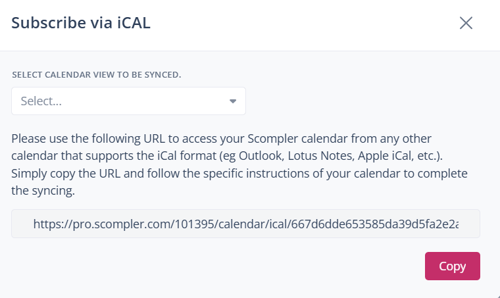
In Outlook, create a new calendar using this link. This will import the Scompler calendar directly into your Outlook environment.
Enter the copied URL for the internet subscription, and the calendar will appear in your Outlook.
For instructions on importing iCal information into other calendar applications, please refer to the respective instructions for those applications.