![scompler-logo-white@2x.png]](https://kb.scompler.com/hs-fs/hubfs/scompler-logo-white@2x.png?height=40&name=scompler-logo-white@2x.png)

The bulk function doesn't just work for editing and deleting, you can also easily merge several articles into a new one. For example, you can create a newsletter from various articles with just a few clicks, and text modules can be turned into the perfect answer to a journalist's inquiry in no time at all.
You can either summarize the content in a new article in Scompler or create a Word document for further editing.
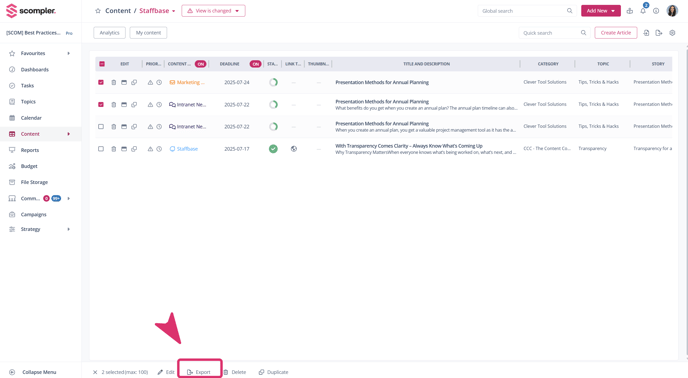
Simply select the desired articles in the Topic or Content section, click the “Bulk export” button and decide which format your summary should have.