![scompler-logo-white@2x.png]](https://kb.scompler.com/hs-fs/hubfs/scompler-logo-white@2x.png?height=40&name=scompler-logo-white@2x.png)

To automatically publish a social media post to an integrated channel (e.g. Facebook), there are a few things need to take into account.
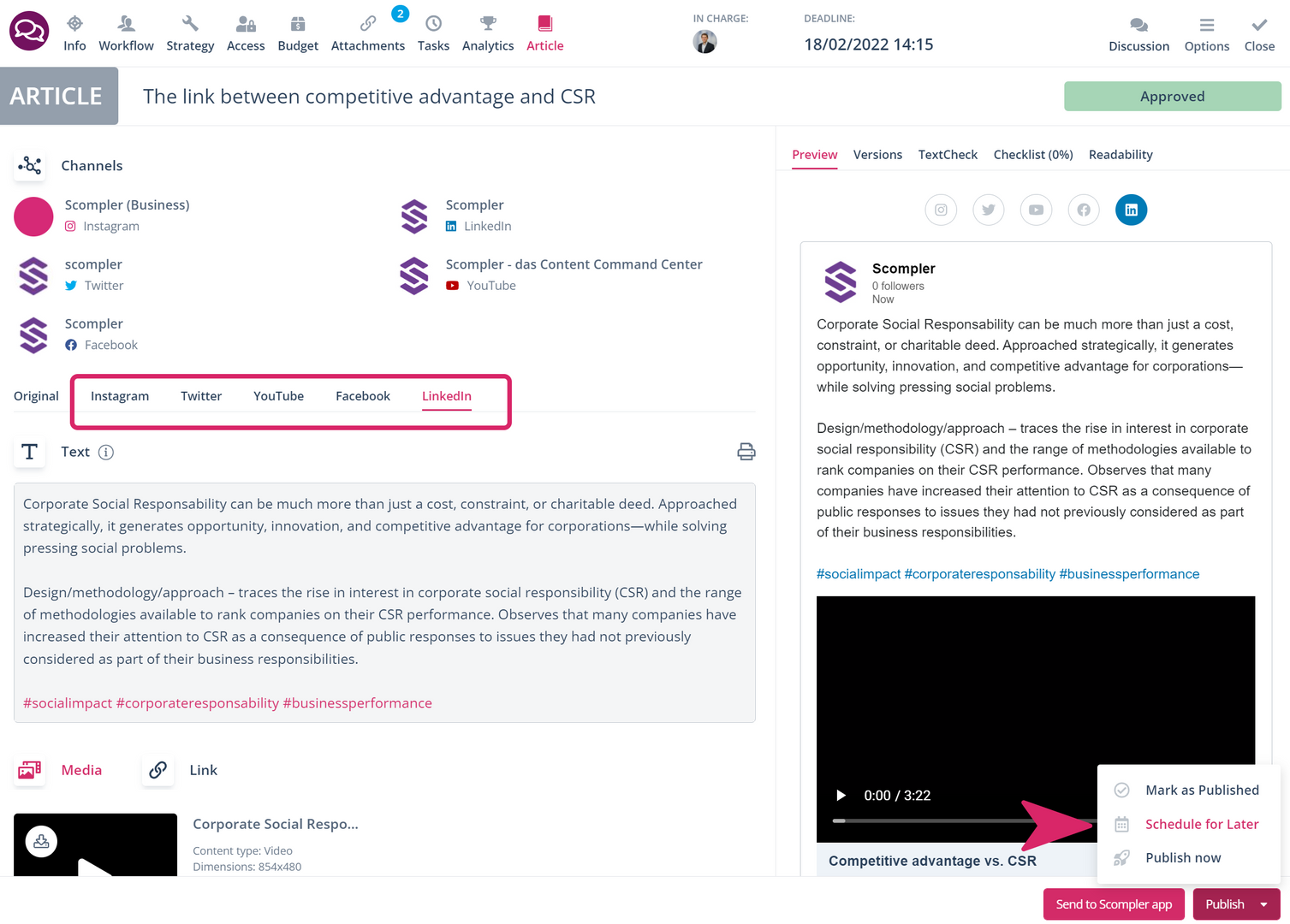
- The channel must be integrated, support automatic publishing (not a read-only channel) and it must be selected in the article card
- The article status must be set to"Approved" in good time before the publication date
- The publication date must be set or confirmed via the "Publish" button after approval
- Images must follow the format requirements of the respective channel
Heads-up: If the post is manually set to"Published" before the publication date, it will NOT be published automatically as the post is then already marked as published.